


Backup & Restore
Enterprise-Grade Protection for Microsoft SQL Server
Manage native .bak files with full GUI precision. Execute flexible backup strategies, perform point-in-time recoveries, and streamline maintenance in seconds.
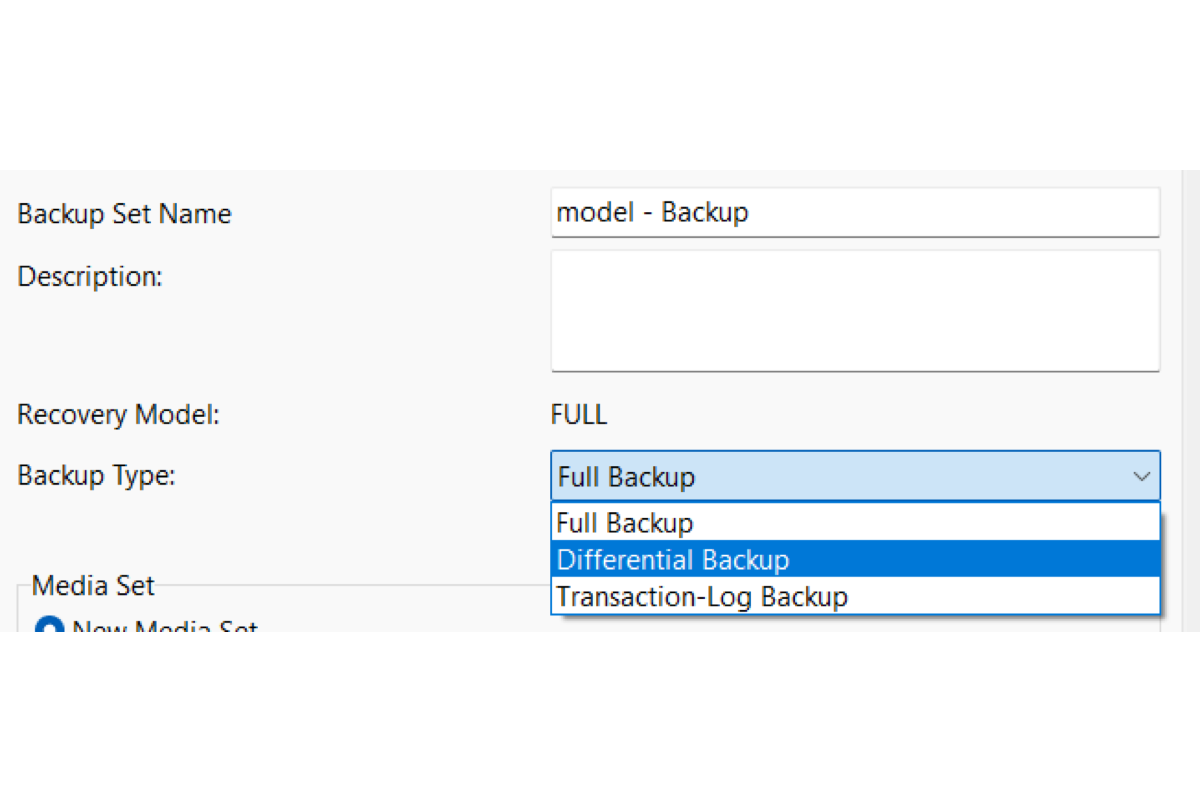
Full, Differential & Log Backups
Set up full, differential, and transaction log backups in the GUI, including copy-only when you don’t want to break the backup chain. Back up the whole database, a partial database, or specific files and filegroups.

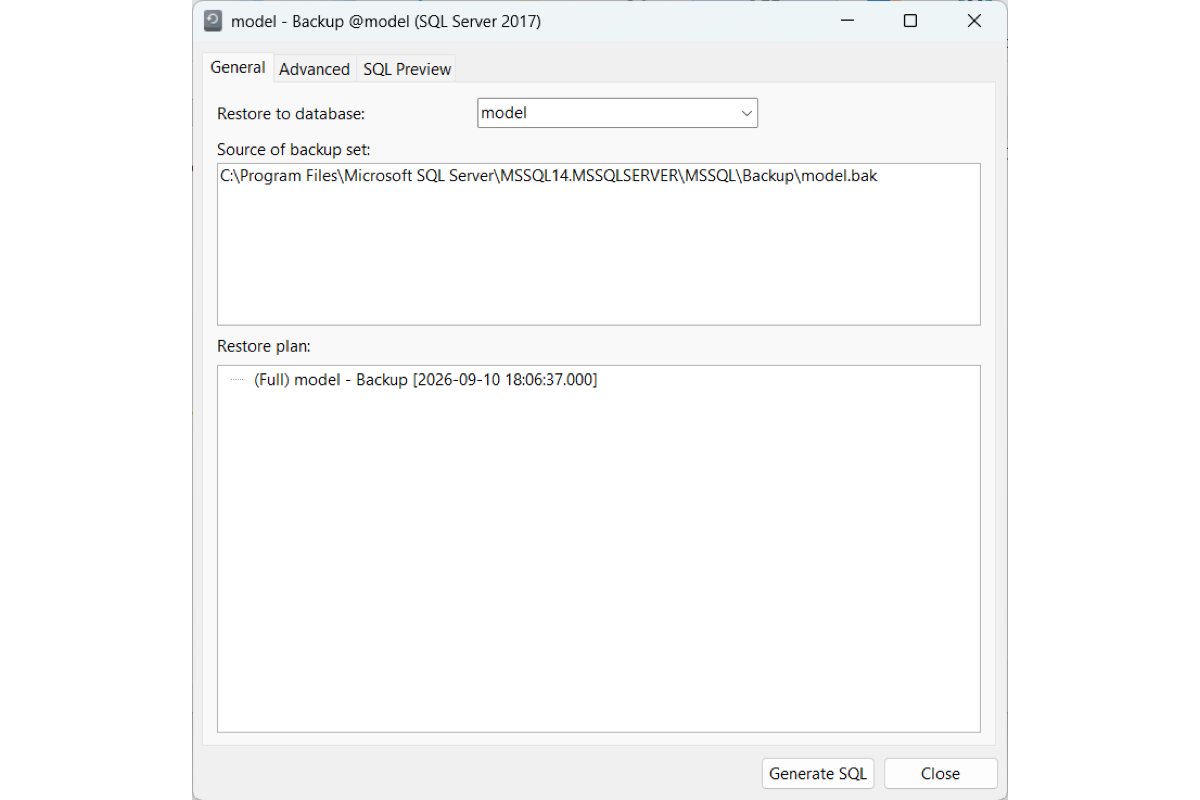
Point-in-Time Restore
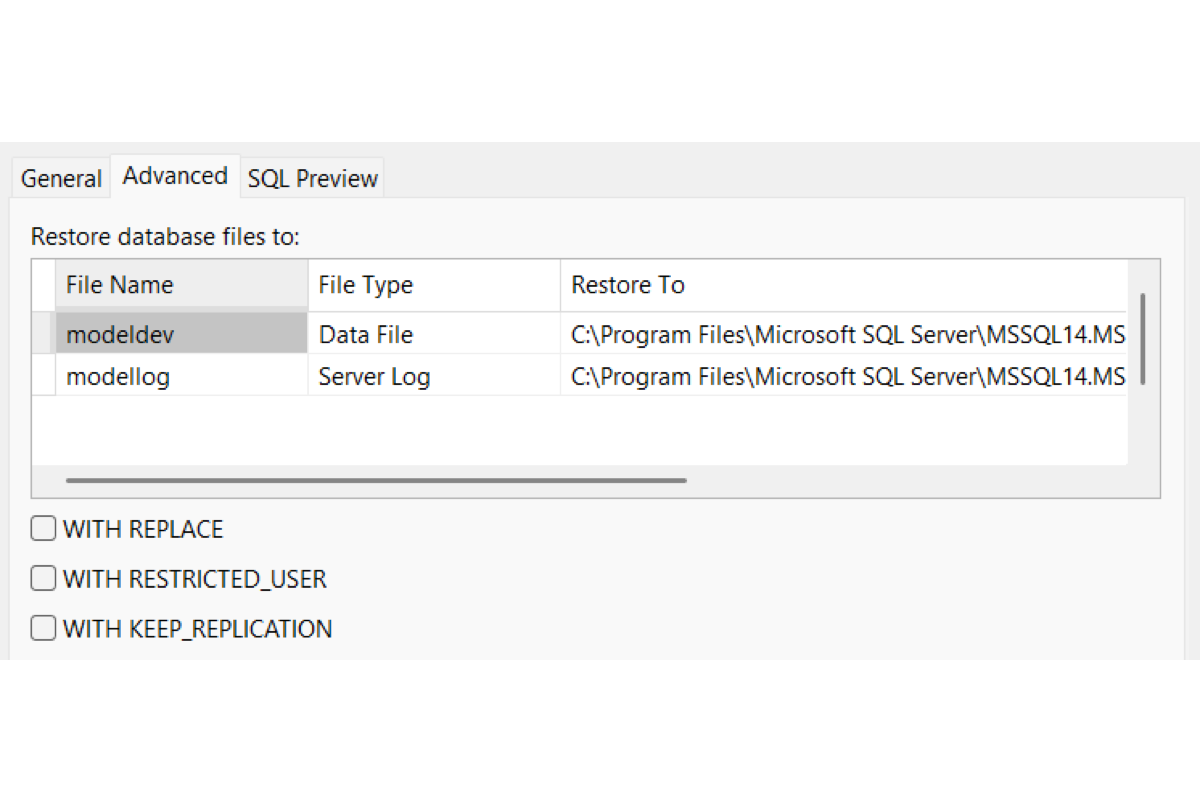
Restore to the latest point, a specific time, or a marked transaction. Restore into another database, and relocate data and log files.
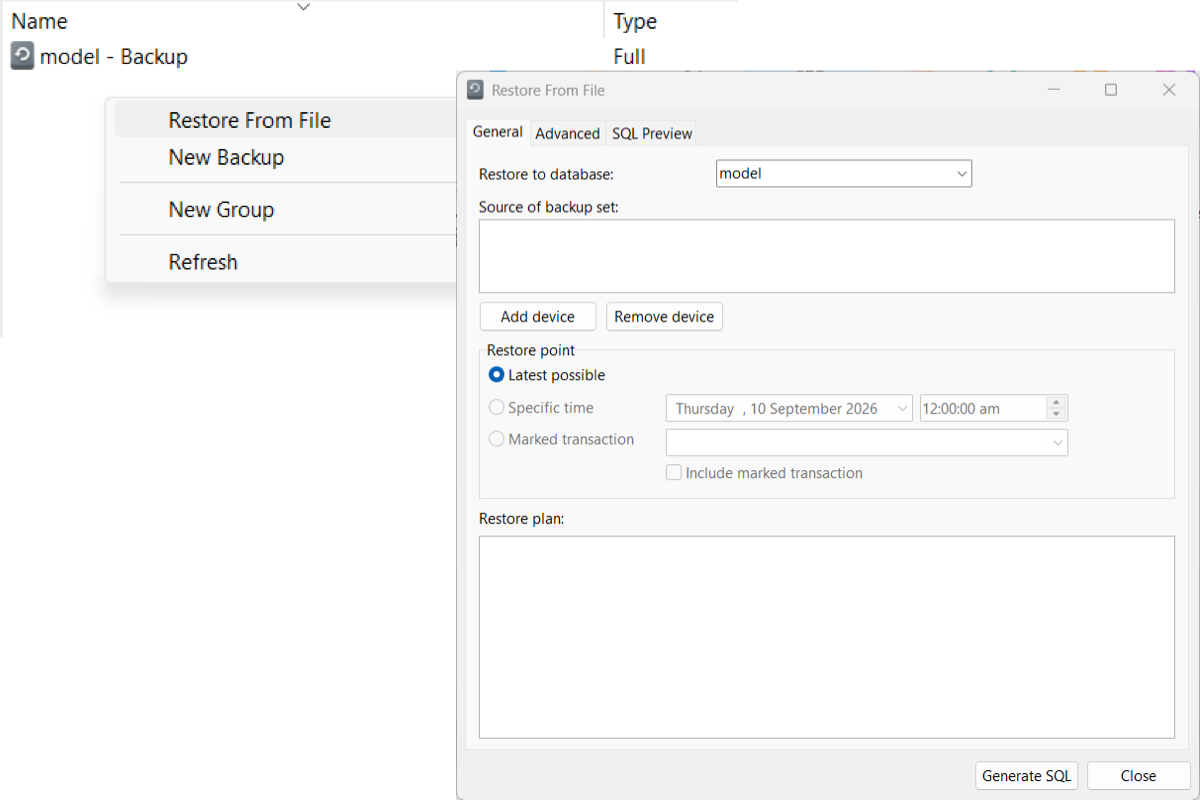
Restore External .bak Files
Restore .bak files from the server or a backup device. Right-click in the object list to add a file that isn’t already listed.
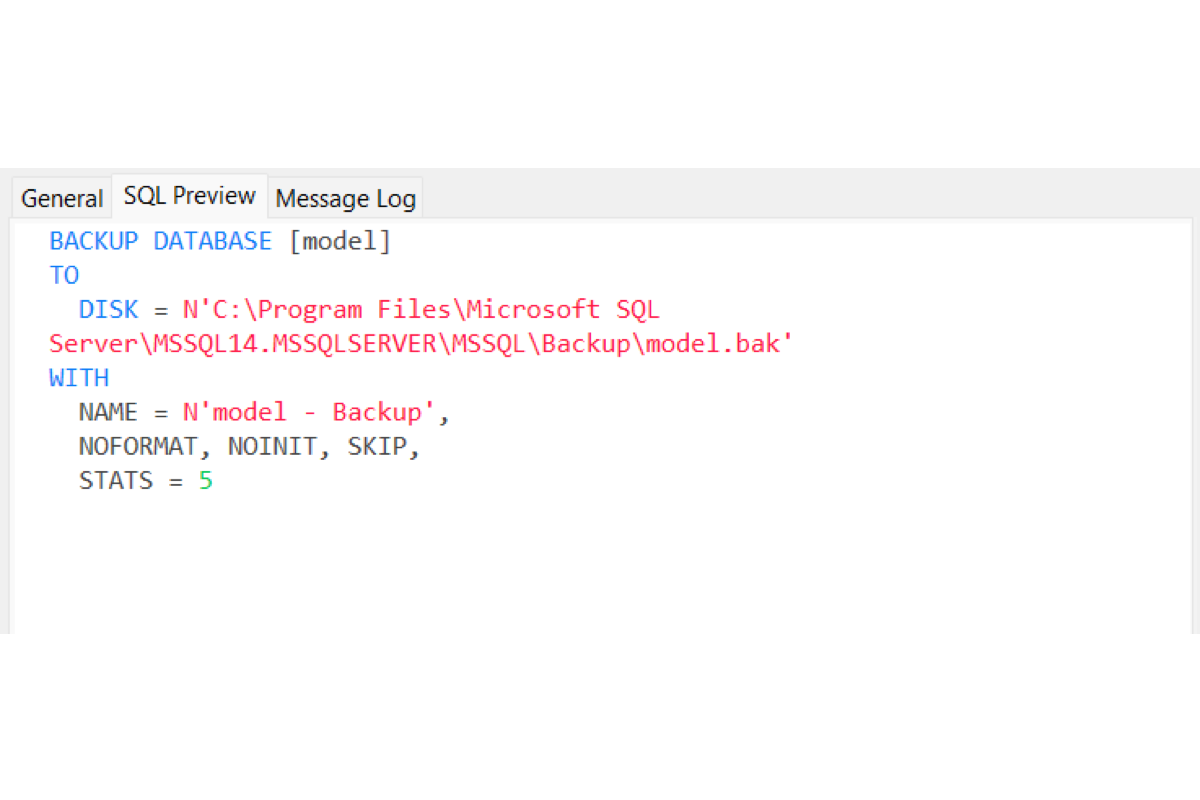
T-SQL Script Preview
Inspect the generated T-SQL before you run it. Check file relocations, backup devices, and parameters with complete transparency.
Cross-Platform .bak Operations
Run native SQL Server backup and restore from Navicat on Windows, macOS, or Linux, wherever the server is hosted.

Save & Load Backup Profiles
Save the backup as a profile. Right-click a past backup to clone its settings for a new run.
Dump & Execute Script Files
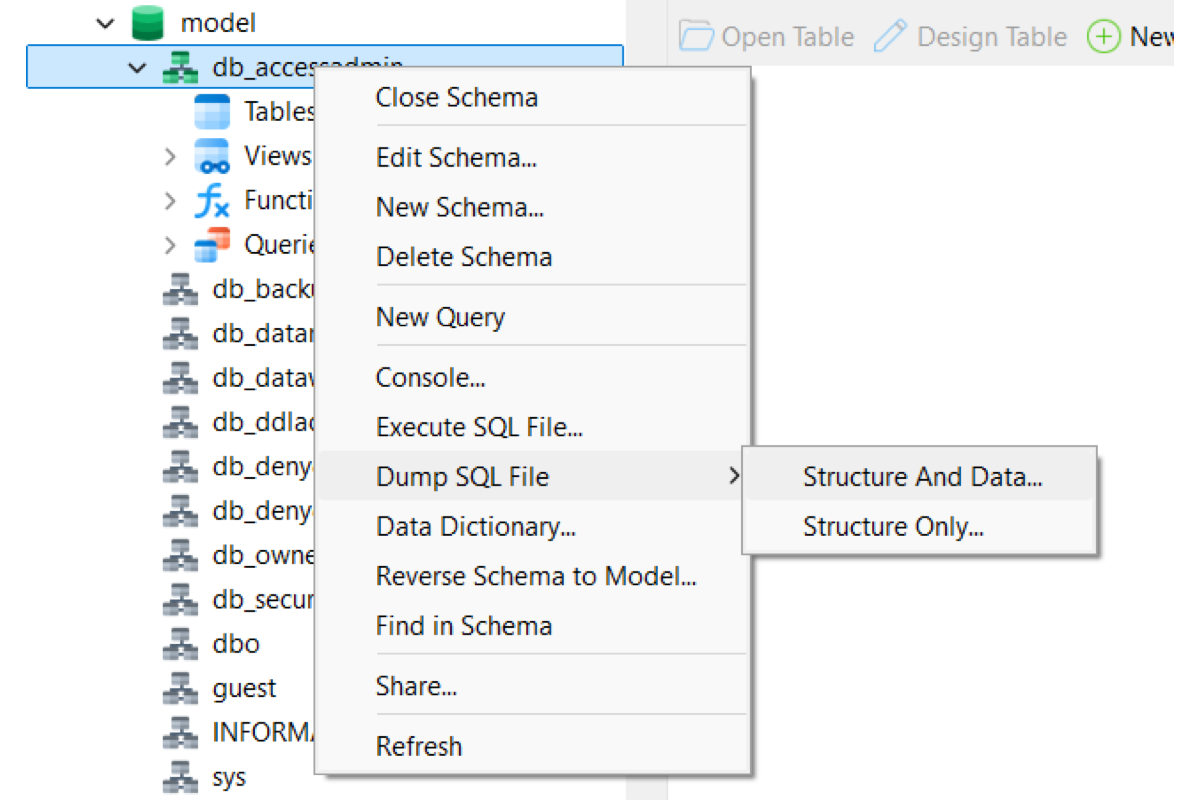
Export database structures and records into standard script files, or run large script batches safely with real-time execution tracking.